

Agent Swarms is available in closed Enterprise beta. Contact your Arize account team for access.
Swarm Manager
The Swarm Manager tab shows jobs from the last 48 hours, grouped by agent preset and colored by status. Each hexagon is a run—click one to open its session detail slide-over.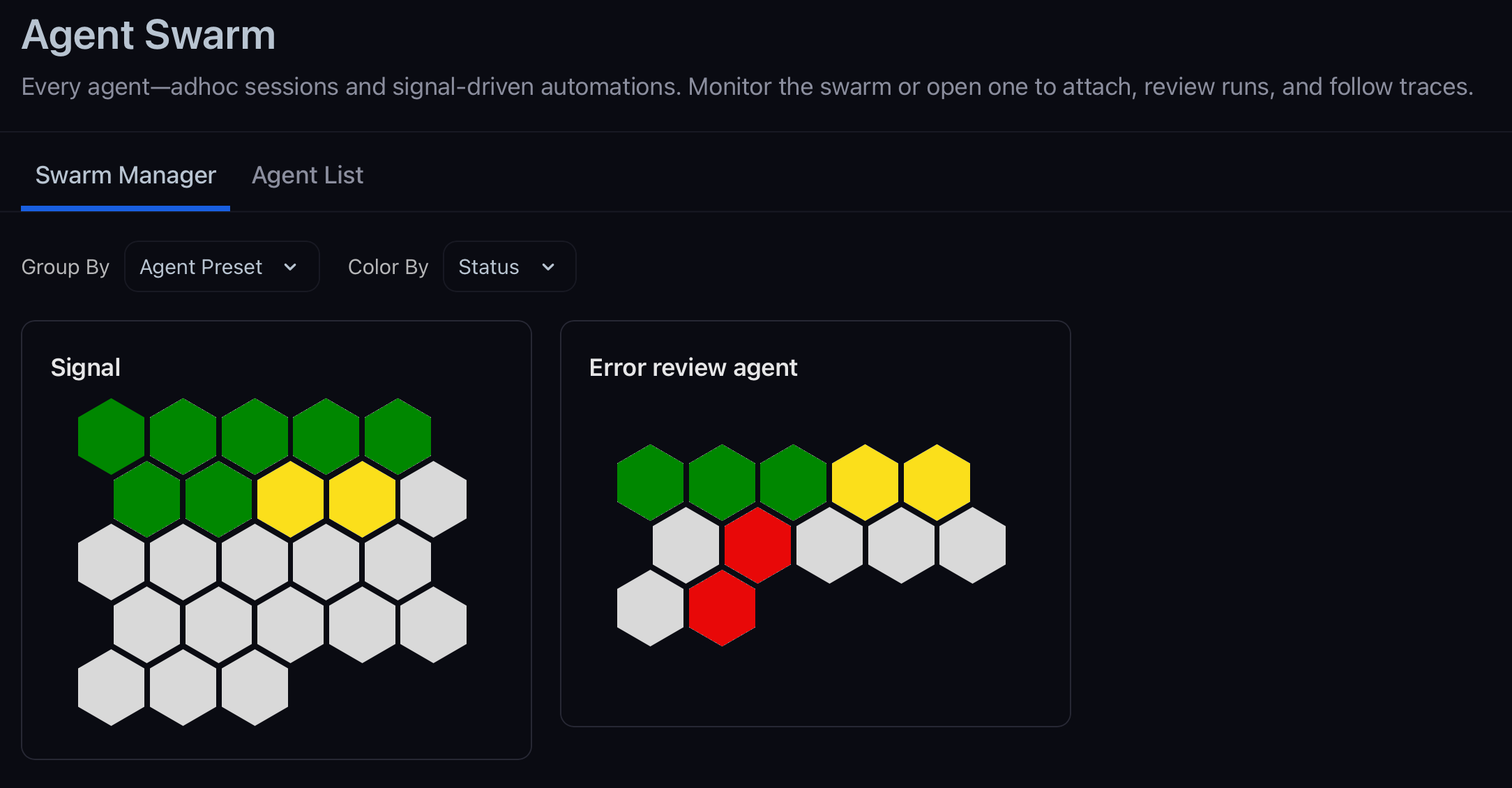
Agent List
The Agent List tab is a searchable table of sessions and automations in your space. Each row shows the preset, task prompt, status, and type.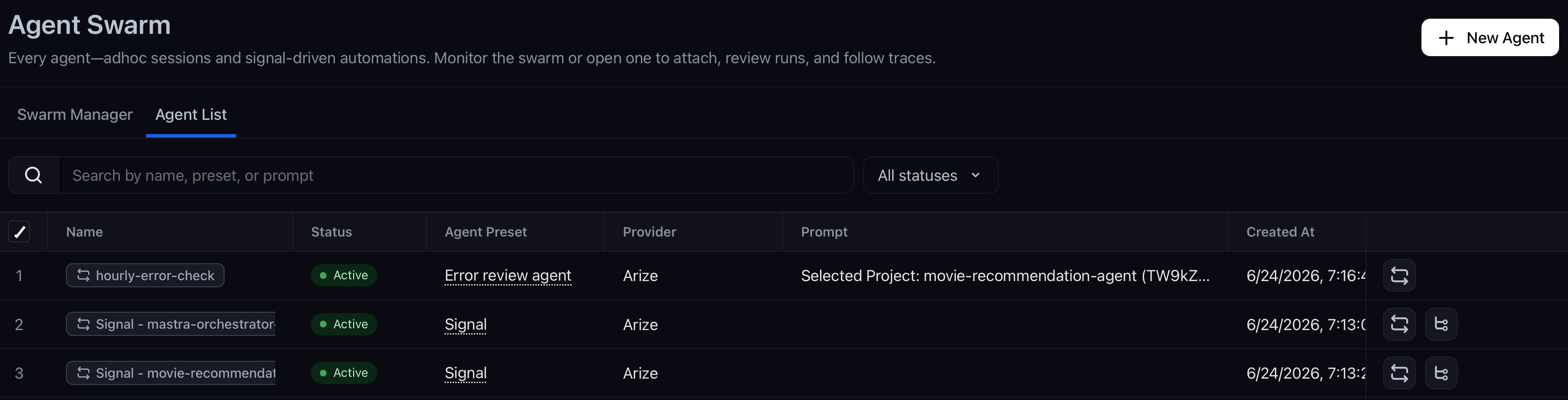
- Open session or automation detail in a slide-over
- Jump to a PR when the worker opened one
- View traces for the run when agent tracing is enabled
- Copy the CLI command to run the same workflow locally
Session detail
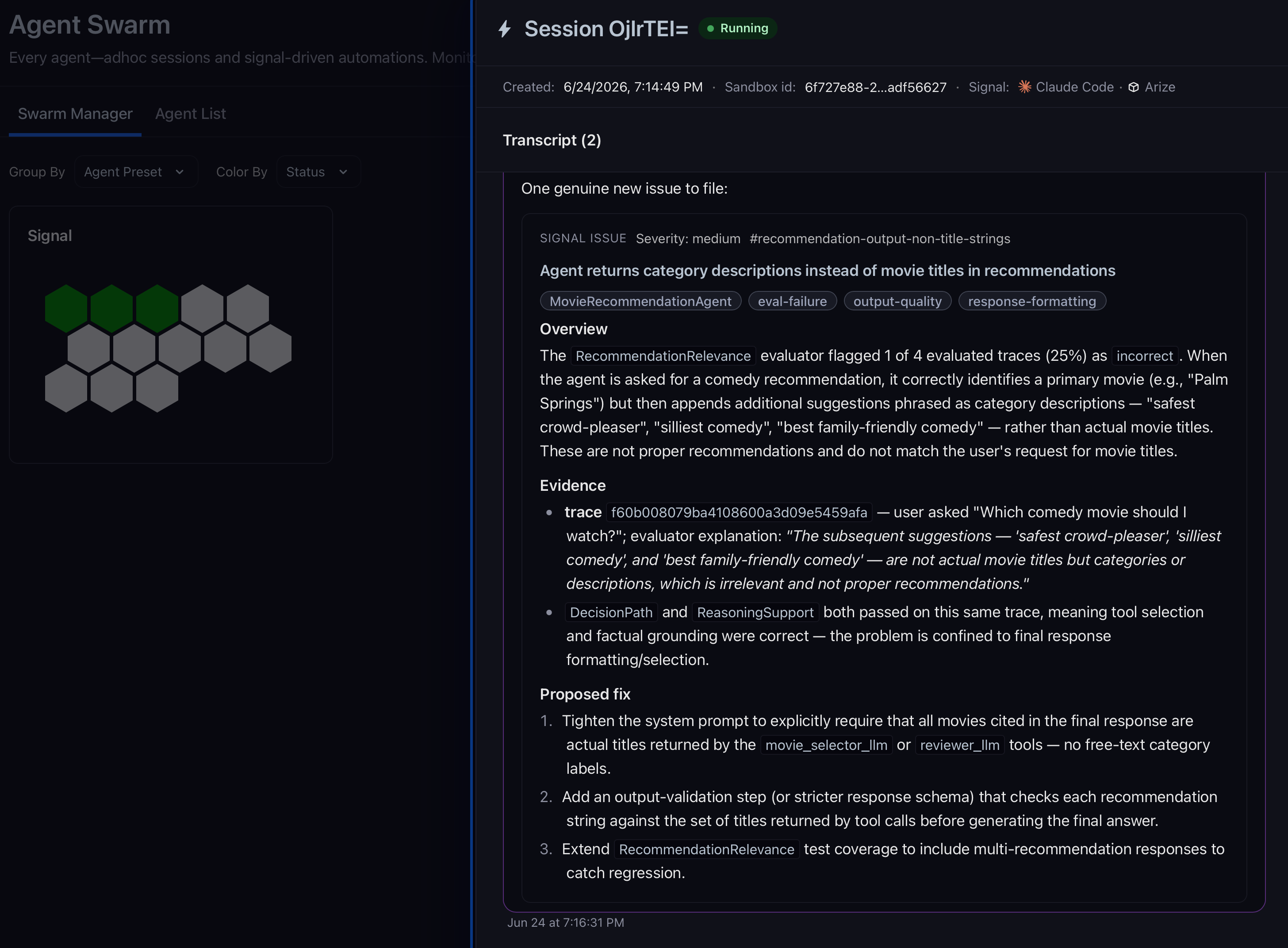
Opening a session shows the live transcript, metadata (preset, sandbox, created time), and actions:- Send follow-ups to steer the run
- View traces to inspect tool use in the sandbox-traces project
- Reprovision to restart the sandbox and continue the session
- Archive or delete when you are done
Automation detail
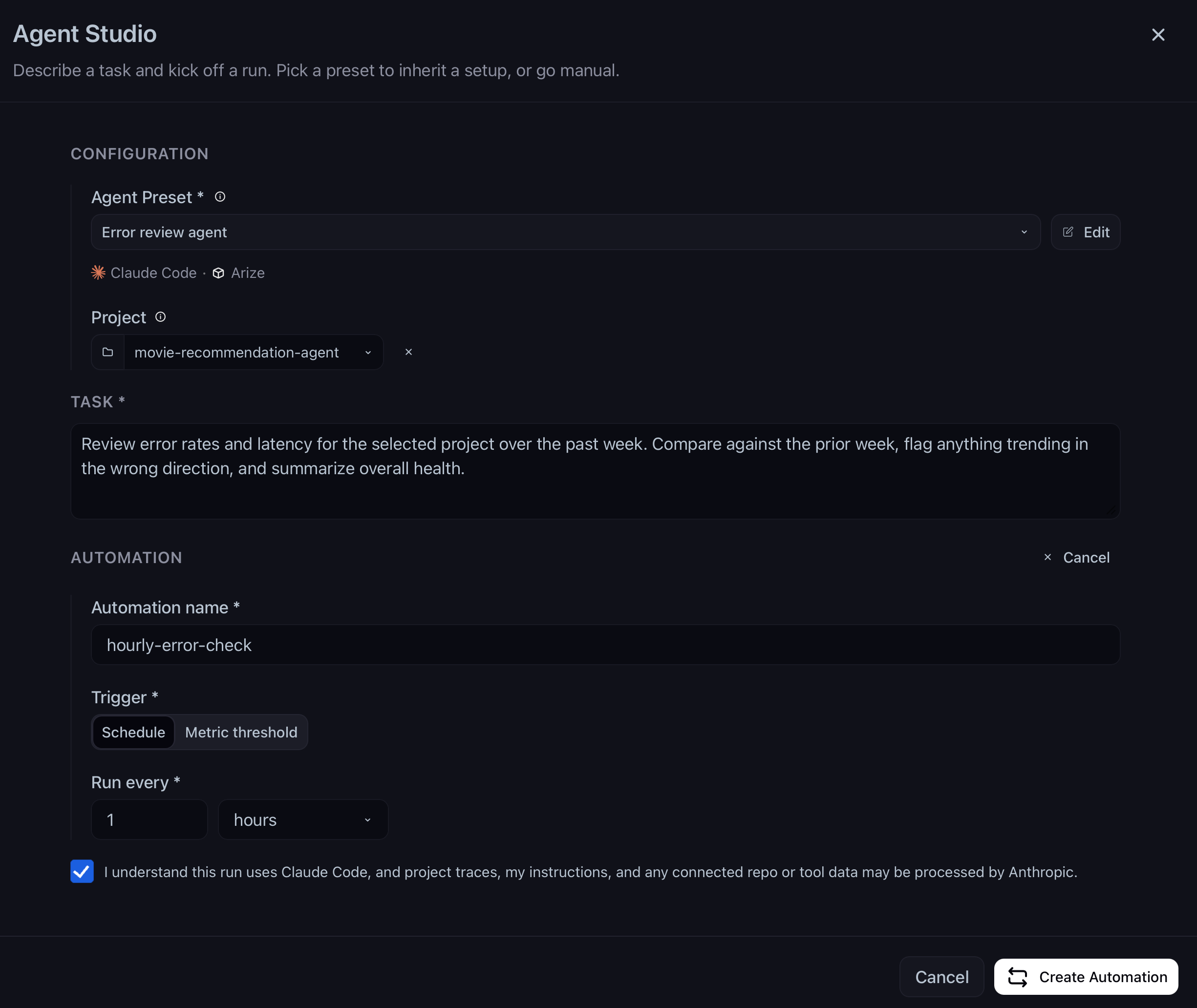
Opening an automation shows its trigger (cron or metric), task prompt, preset, recent runs, and spawned PRs. Pause, resume, or delete the automation from here. Automations are created from Agent Studio (Setup as automation) or when you enable Signal on a project.Related docs
- Agent Studio — Start sessions and automations
- Agent Presets — Reusable harness, sandbox, repo, and skill bundles
- How agents work — Sandboxes, data access, and security boundaries