Run an Experiment through the UI
Run an Experiment using Code
Experiments (UI)
1. Upload a CSV as a dataset
Download this sample CSV and upload it into the UI.2. Test a prompt in playground
Load the dataset you created into prompt playground, and run it to see your results. Once you’ve finished the run, you can save it as an experiment to track your changes.3. Run an evaluator on your playground experiments
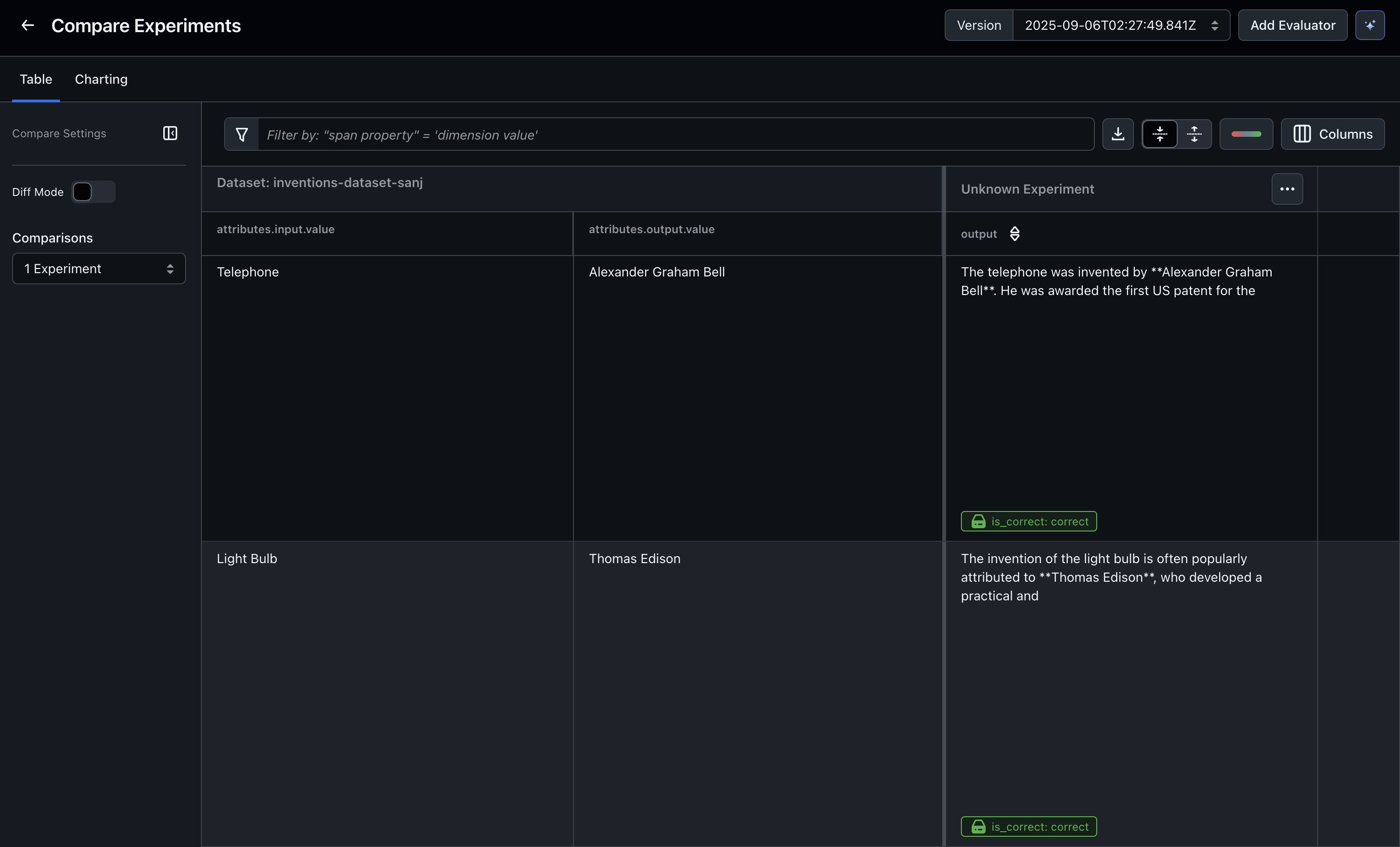
Create a task to run evaluations on your experiment results. Arize AX will run the evaluator task in the background as soon as you create the task.4. (optional) Compare experiments
With Diff Mode enabled, you can compare experiments side-by-side to easily spot improvements and regressions. Learn more
Experiments (Code)
1. Install dependencies & set your API Keys + Space ID

2. Create your dataset
Datasets are useful groupings of data points you want to use for test cases. You can create datasets through code, using LLMs to auto-generate them, or by importing spans using the Arize AX UI. Here’s an example of creating them with code:3. Define a task
Define the LLM task to be tested against your dataset here. This could be structured data extraction, SQL generation, chatbot response generation, search, or any task of your choosing. The input is the dataset_row so you can access the variables in your dataset, and the output is a string. Learn more about how to create a task for an experiment.4. (optional) Define your evaluators
An evaluator is any function that (1) takes the task output and (2) returns an assessment. This gives you tremendous flexibility to write your own LLM judge using a custom template, or use code-based evaluators. Read more about creating evaluators for experiments.5. Run the experiment
To run an experiment, you need to specify the space you are logging it to, the dataset_id, the task you would like to run, and the list of evaluators defined on the output. This also logs the traces to Arize AX so you can debug each run. You can specifydry_run=True , which does not log the result to Arize. You can also specify exit_on_error=True , which makes it easier to debug when an experiment doesn’t run correctly.
6. View the experiment result in Arize AX
Navigate to the dataset in the UI and see the experiment output table.