


Collect Traces in Phoenix
Enable Phoenix tracing is very similar to what we showed in the section above since it also leverages the OpenInference instrumentation. For more details, see the Phoenix Quickstart Guide to Tracing. Your application traces should stream into the Phoenix UI as shown below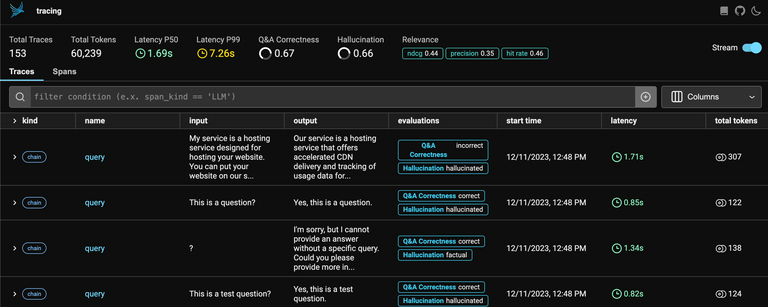
Query for specific traces
When you’re ready to send your data to Arize, run the following command to export your traces from Phoenix.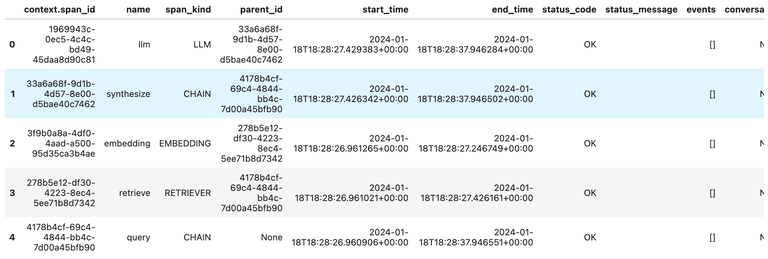
Send data to Arize
The dataframe can be directly sent to Arize using our Python SDK. Schema mapping is not required for OpenInference traces since Arize will automatically understand the column names from your dataframe.To send tracing data via the Python SDK, it must be installed with extra dependencies(Cloud import support coming soon)
log_spans method. Note that we do not need to specify any Schema.