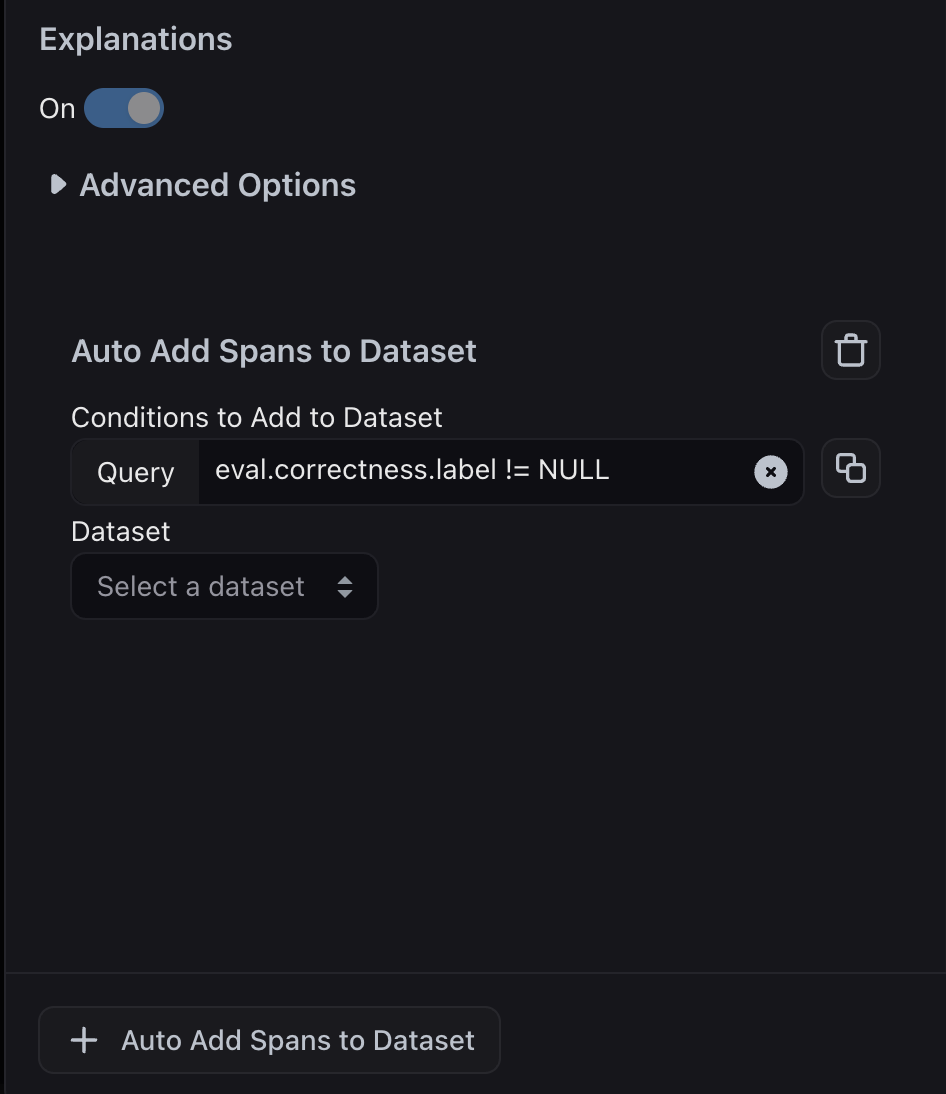
As teams collect more spans, it becomes tedious to manually sift through them to curate high-quality datasets that stay updated. Teams can define rules that automatically add new examples to a dataset whenever incoming spans match your criteria.

Curate dataset from evaluation labels

After setting up an evaluation task on a project, you can include a post-processing step that automatically adds examples to a dataset based on the evaluation label. First you need to edit the configuration of the Evaluator for your task:
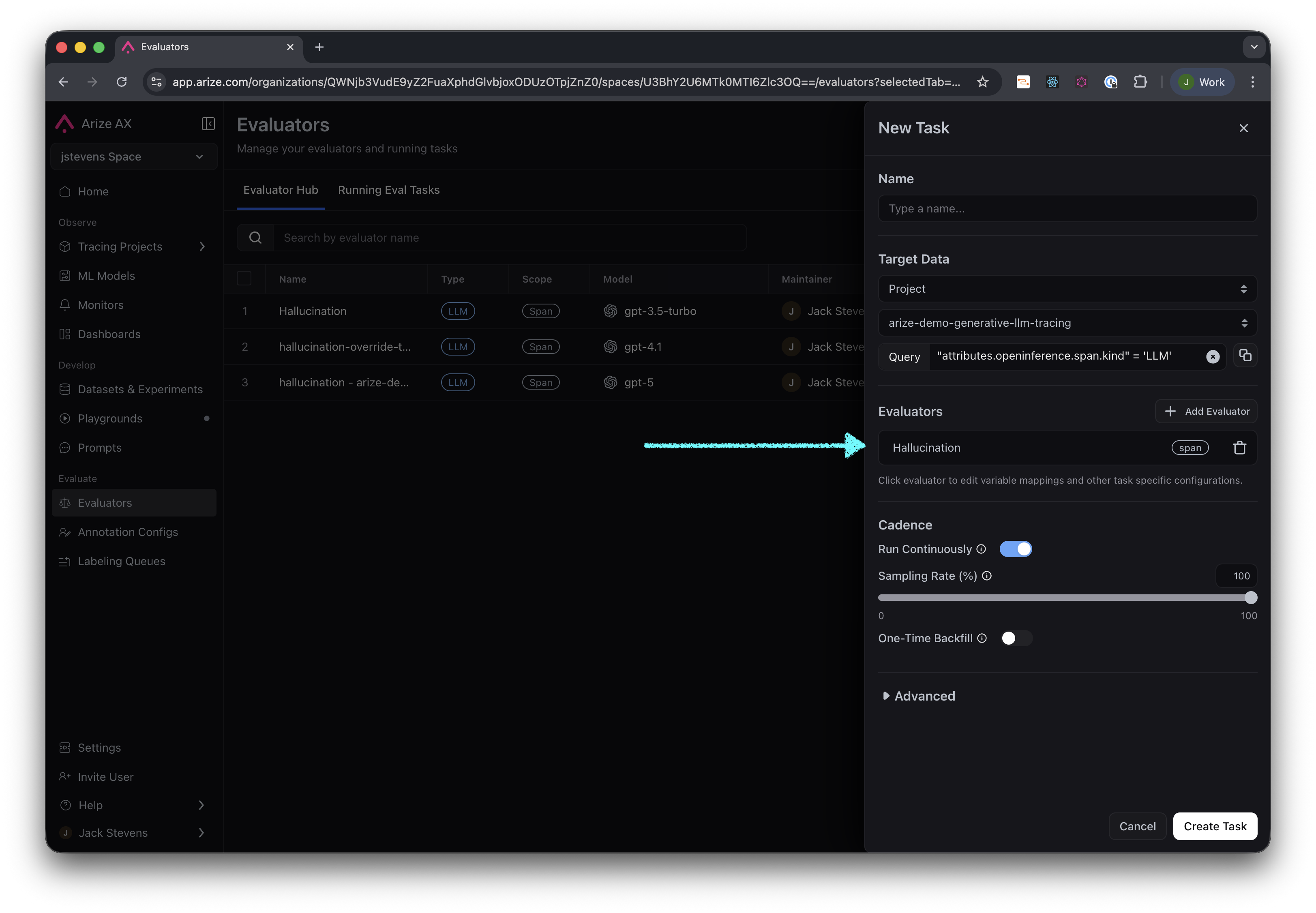
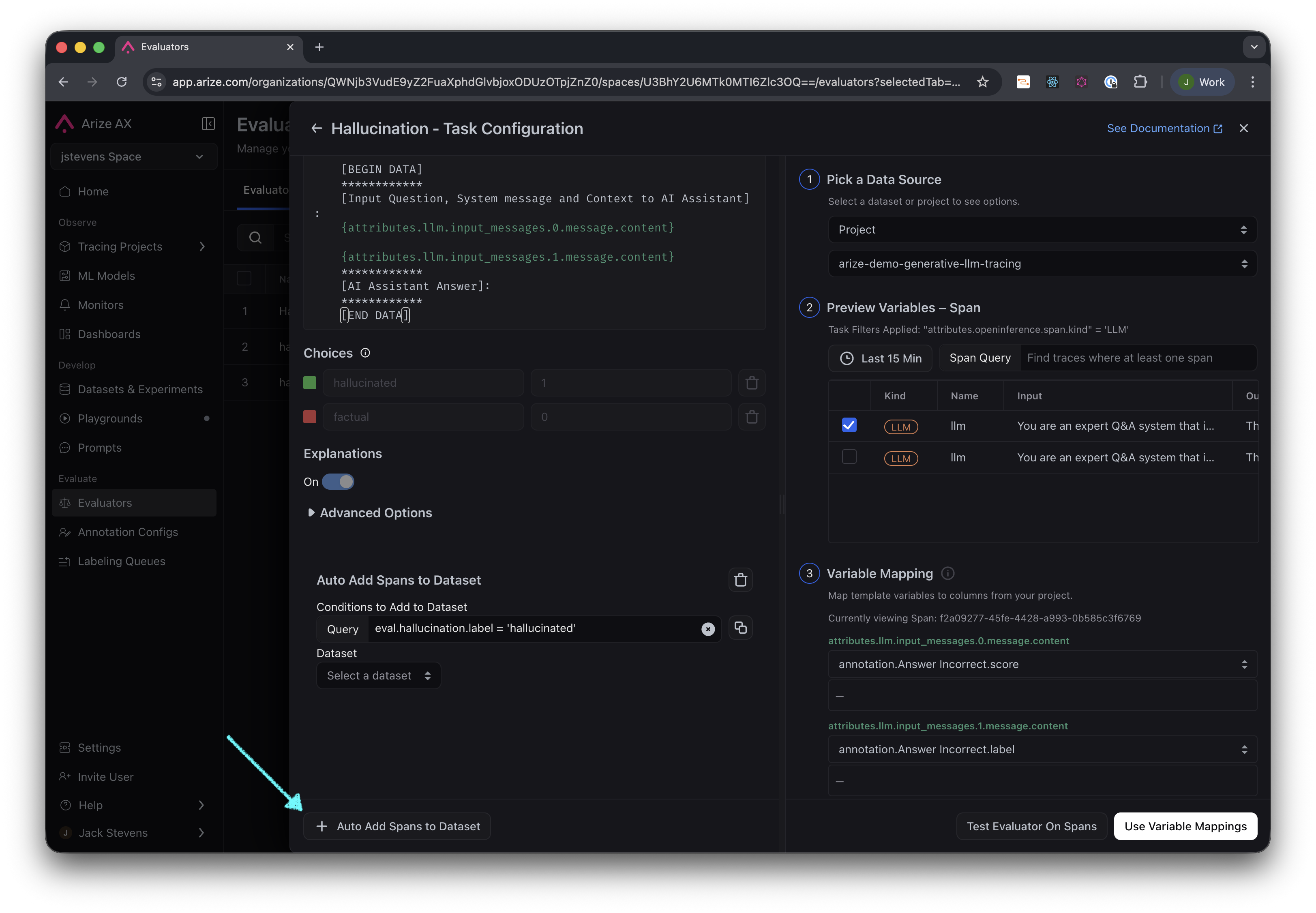
Select the evaluator from the task configuration
Make sure you have selected a project for your task, then select “Auto Add Spans to Dataset”.
Select 'Auto Add Spans to Dataset', then enter your evaluation criteria to filter for the appropriate spans.
For example, you can automatically select all spans where “Correctness” has already been evaluated (i.e. not null) or specifically only ones labeled “Incorrect”.
Filter spans to where correctness is not null

Curate dataset from filters

Alternatively, instead of using an evaluation label, you can add any example to a dataset that meets basic filter criteria, such as high token count in the LLM output, high latency, or examples where a specific tool was called.
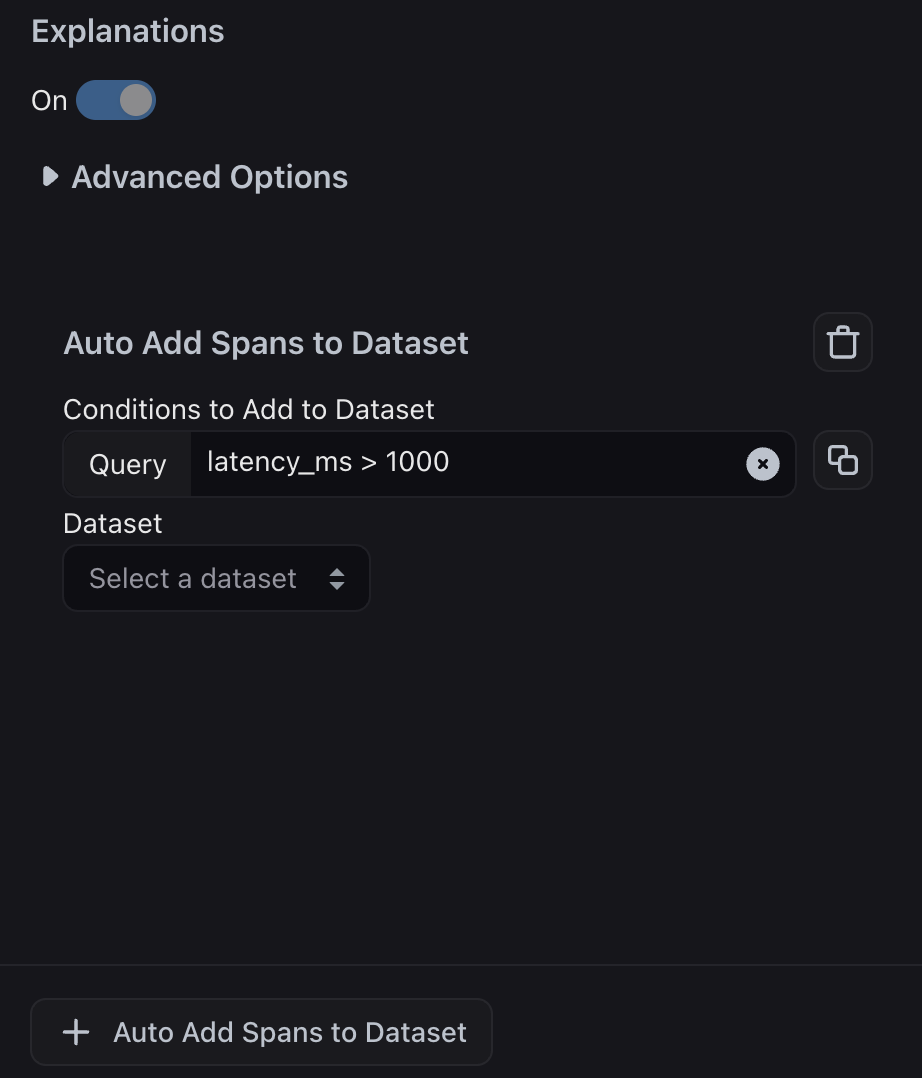
Filter spans by high latency